
Your substitute lists are what the automatic substitute search draws from. This article covers building and maintaining them from the Substitutes tab of your league.
How substitute lists work
The Substitutes tab manages two kinds of lists:
- Team substitutes: attached to one team, contacted for that team’s games.
- League substitutes: shared across all teams of the league.
Only managers can see and modify substitutes. Players cannot add themselves as substitutes or browse leagues to join: you add every substitute yourself. If someone asks to be a substitute in your league, they must go through you.
Adding a substitute
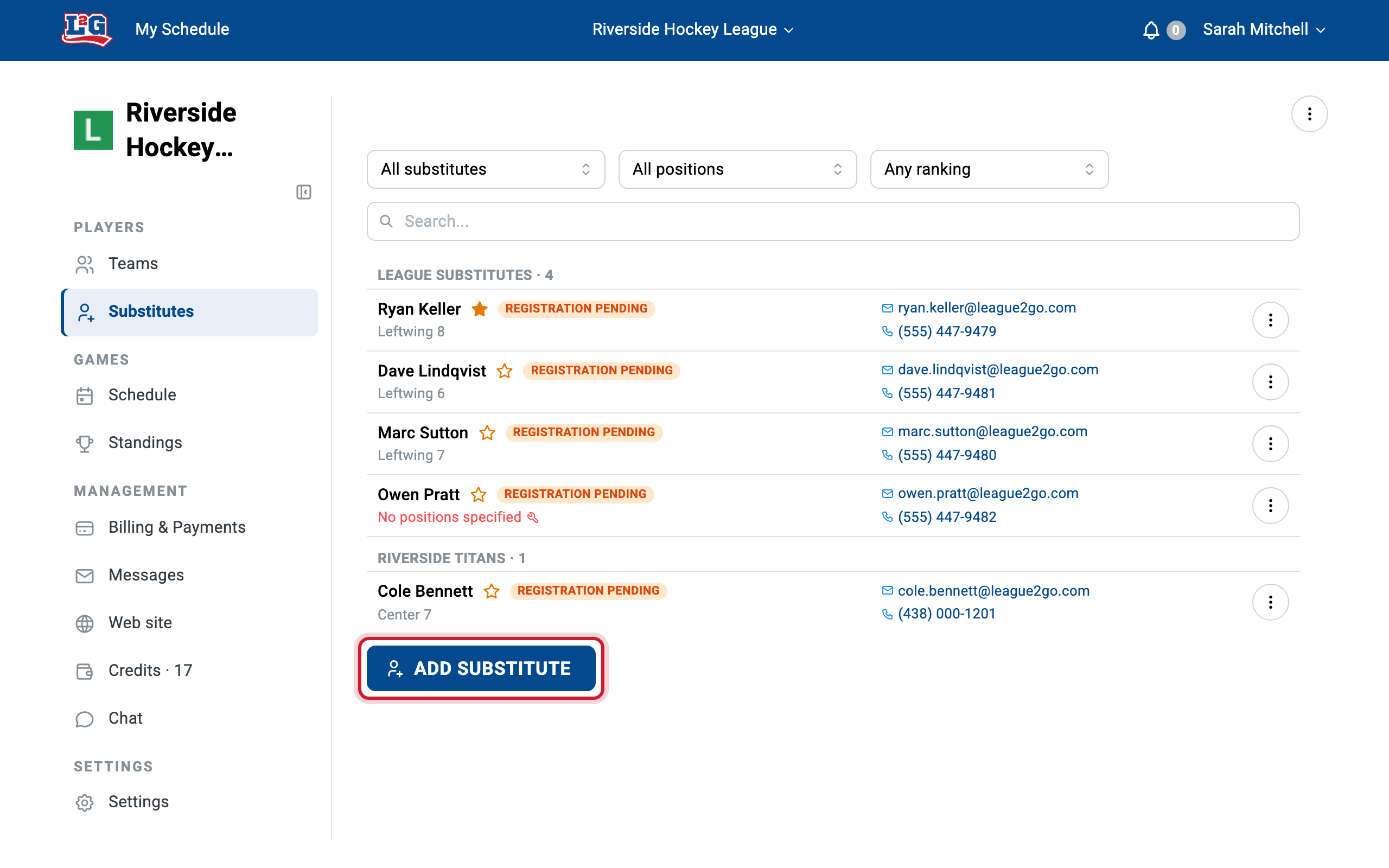
Add a substitute to a team list or to the league list, entering their email address or cell number. The substitute signs in with exactly this contact information, so double-check it. See adding players for how registration and matching work. The substitute receives an invitation to complete their registration.
A substitute who never completes their registration is not contacted by the automatic search. If a substitute says they never receive requests, check their registration status first.
Assigning positions and ratings
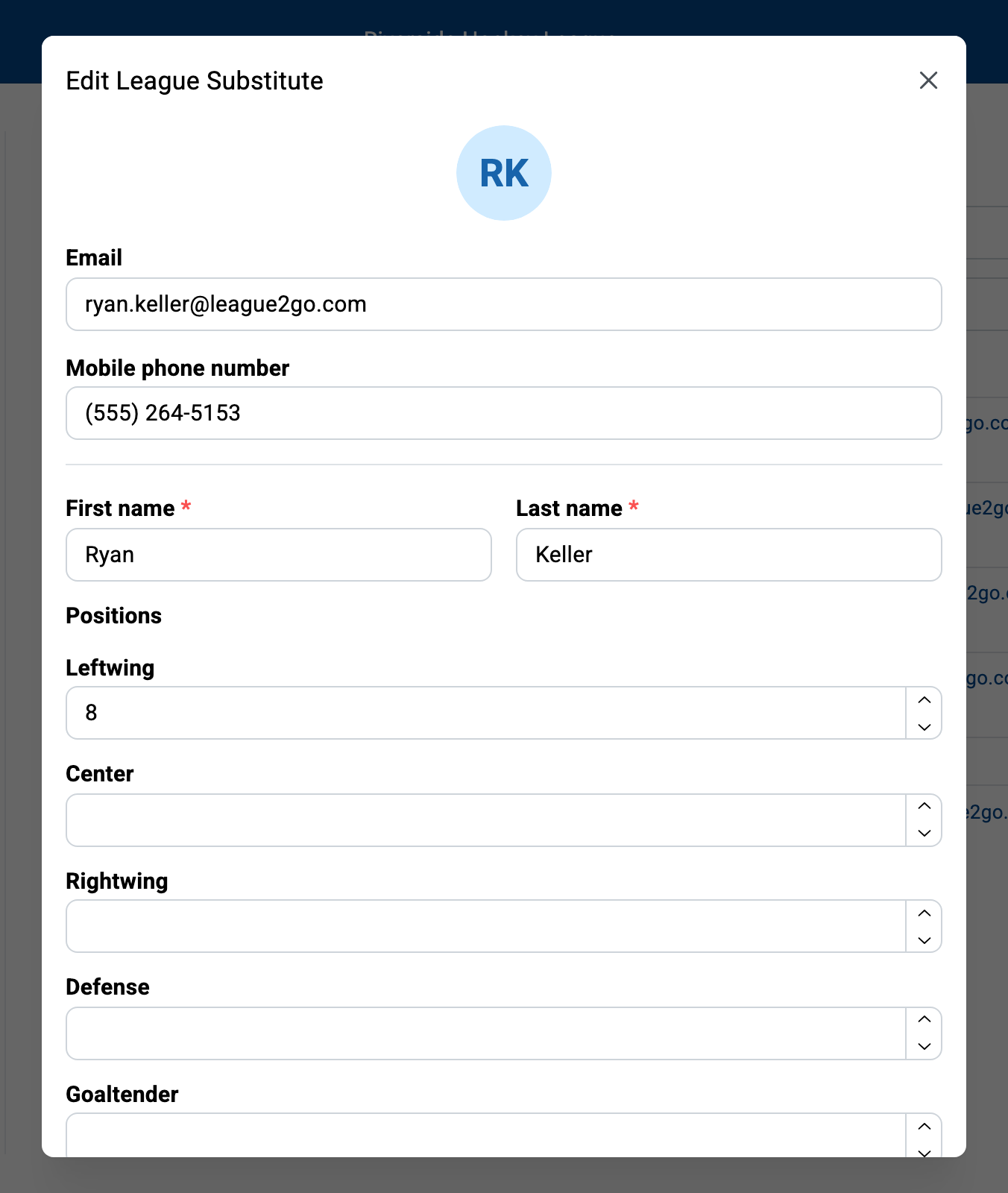
The search only proposes a substitute for positions they play, within the configured rating range, so positions and ratings are what make matching work:
- Positions: check every position the substitute can play, so they are contacted as often as possible.
- Ratings: enter a skill rating for each of the substitute’s positions, on the scale configured in your league’s General tab (letters or numbers). The rating is displayed below the substitute’s name in the table, and an exclamation point appears beside any player missing one. Ratings are visible only to team captains and league managers.
How ratings are used by the search is covered in substitute search settings.
Marking favorites
Select the star beside a substitute to mark them as a favorite. Favorites are contacted before other substitutes when a player must be replaced, with a configurable delay before the next tier. See favorites and contact order.
Converting between substitute and regular
A good substitute often becomes a regular the next season, and a regular who can only play occasionally makes a fine substitute. You can convert a player between the two roles from the action menus of the Teams and Substitutes tabs instead of deleting and re-adding them. See managing players.
Picking a substitute manually
You can always bypass the automatic search:
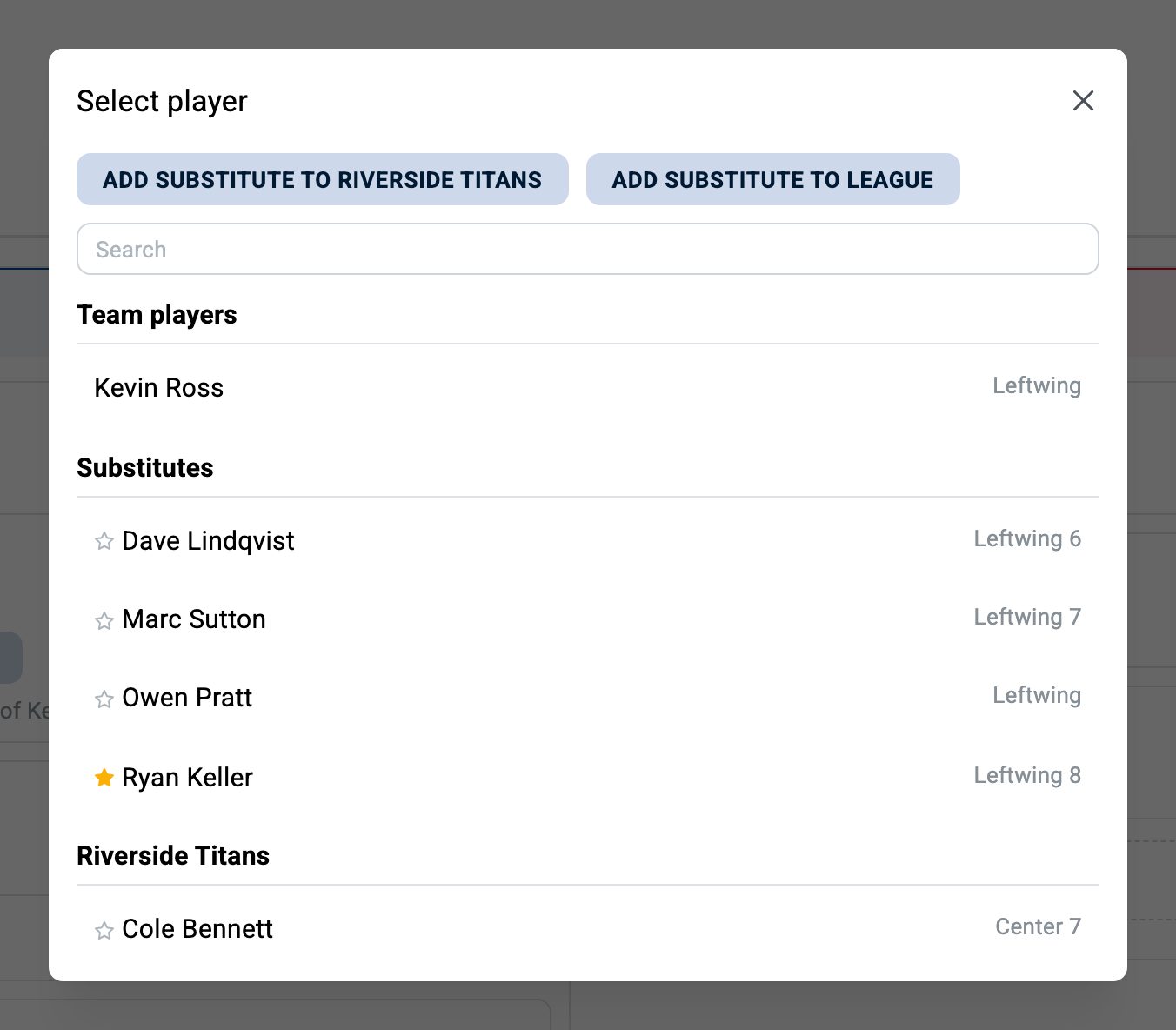
- From the game, replace an absent player by choosing a substitute yourself. Ratings are displayed in the game details so you can pick a substitute of similar caliber. The chosen substitute receives the message for the game, including the price to play, if your league includes prices in substitution requests.
- When you add a spot to a game, specify the required rating to automatically find a player that matches it.
- If you prefer to always choose manually, disable the automatic search by setting the search start to 0 days in substitute search settings.
Substitute payments
Substitutes can pay their game fee online when your league has online payments enabled. See online payments for setup, fees and refunds.
Questions? Contact us at info@league2go.com.