
This guide covers your day-to-day as a player: checking your schedule, declaring an absence, accepting a substitution request, and keeping your profile up to date.
Your schedule
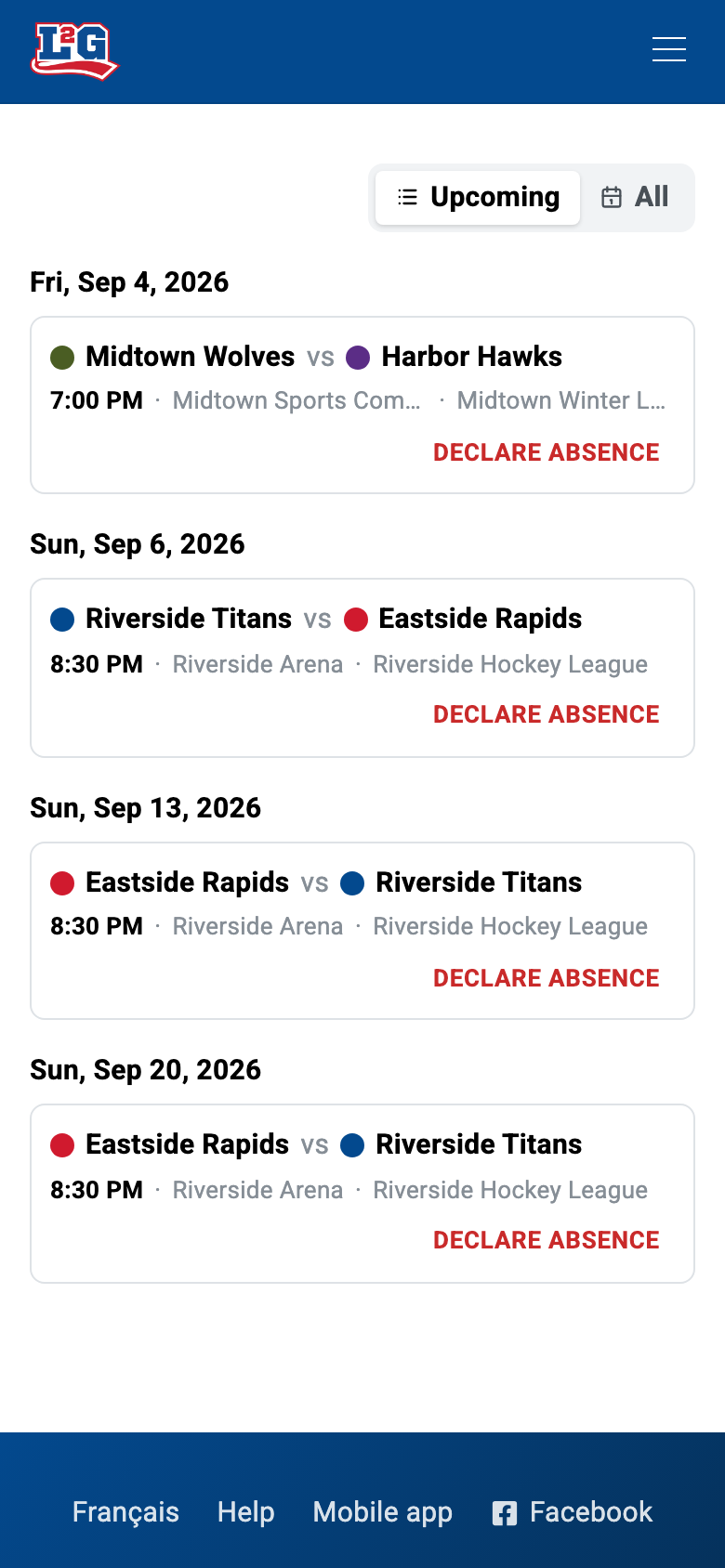
One League2GO account is enough for everything: your personal schedule shows the upcoming games from all your leagues in one calendar, whether you play in them as a regular player or as a substitute. You can view it on league2go.com or in the mobile app.
Tip: the app can also add your games to your phone’s calendar automatically. See calendar sync.
Declaring an absence
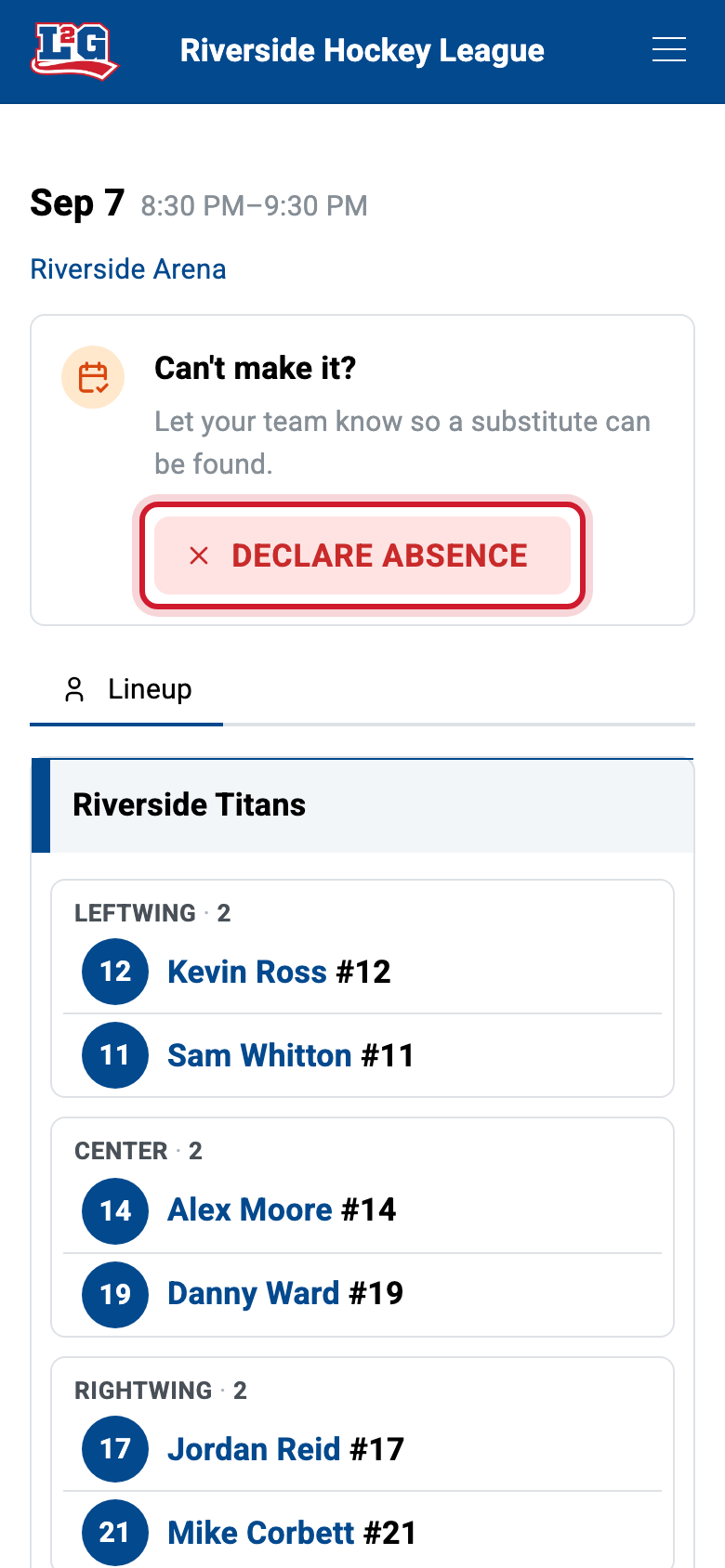
As a regular player, you are presumed present at your games. If you can’t make a game, open it in your schedule and tap the green presence button to declare your absence; it turns red. Tap it again to cancel your absence and declare yourself present.
- Declare your absence as early as possible. Your absence is what triggers the automatic substitute search, and the search needs time to contact substitutes and fill your spot.
- Some leagues block absence declarations shortly before game time. If you can no longer declare an absence, contact your league manager or team captain; they can declare it for you.
- If a substitute has already accepted your spot and your plans change, contact your league manager.
Accepting a substitution request
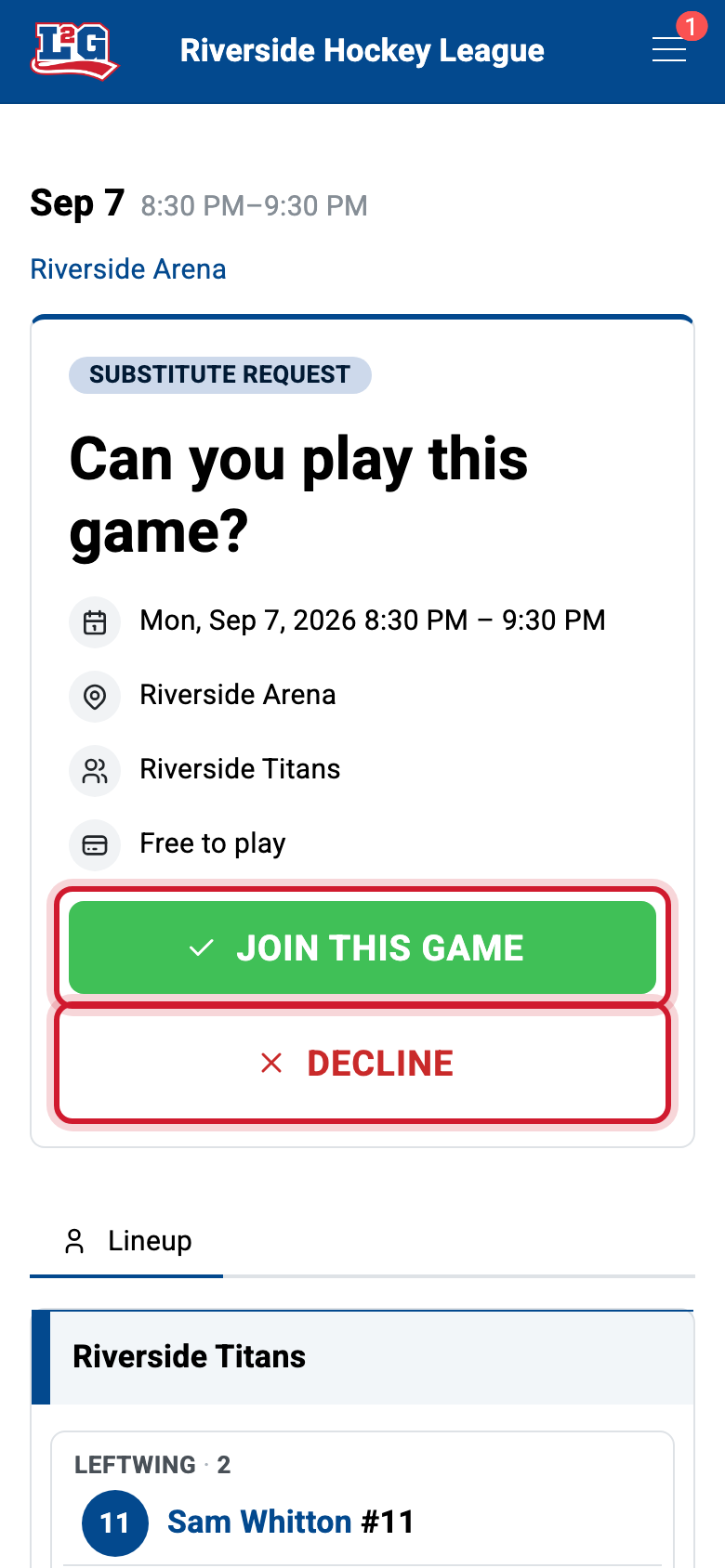
If you are a substitute in a league, you receive a substitution request when a player at one of your positions declares an absence. The request arrives by push notification, SMS or email, depending on your notification preferences.
- The first substitute to accept gets the spot: answer quickly if you want to play.
- You can accept or decline directly from the notification, or from the notifications section of the app.
- If the spot has already been filled by the time you answer, you keep your place in line for the next request.
Your profile
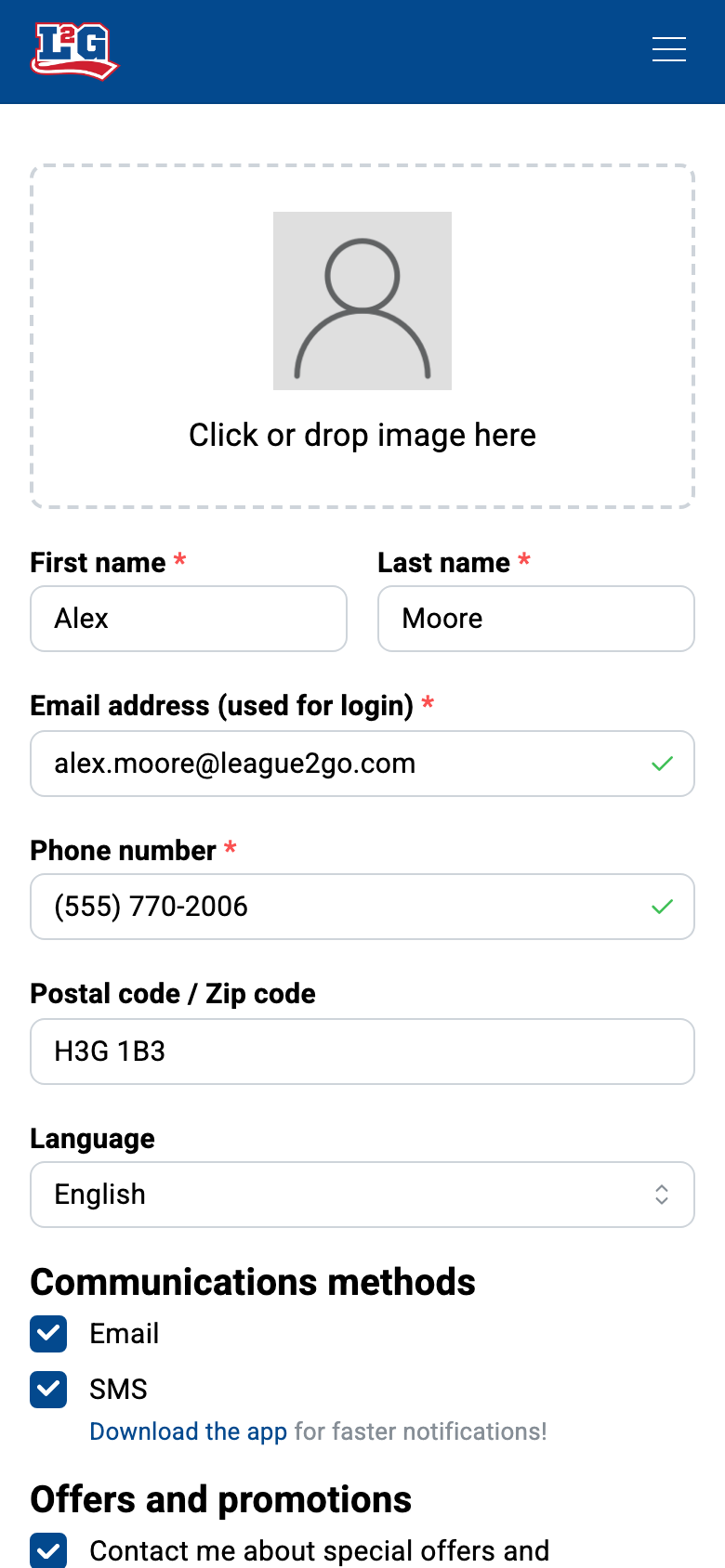
Your profile is yours: once you have registered, only you can edit it, not your league manager. From your profile you can:
- Add a photo so teammates and managers recognize you.
- Set the positions you can play, so substitution requests match you correctly.
- Choose your notification preferences (see notifications and reminders).
To change your email address, cell number or password, see your account.
Leaving a league
To leave a league, ask your league manager to remove you from the roster, or use the leave-league option in your profile. Leaving a league does not delete your League2GO account; you keep access to your other leagues.
Questions? Contact us at info@league2go.com.